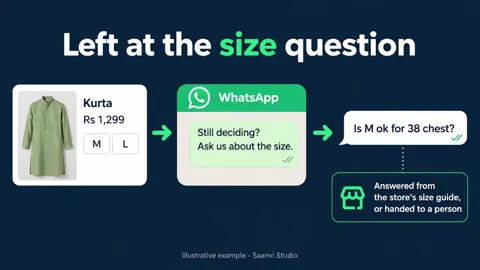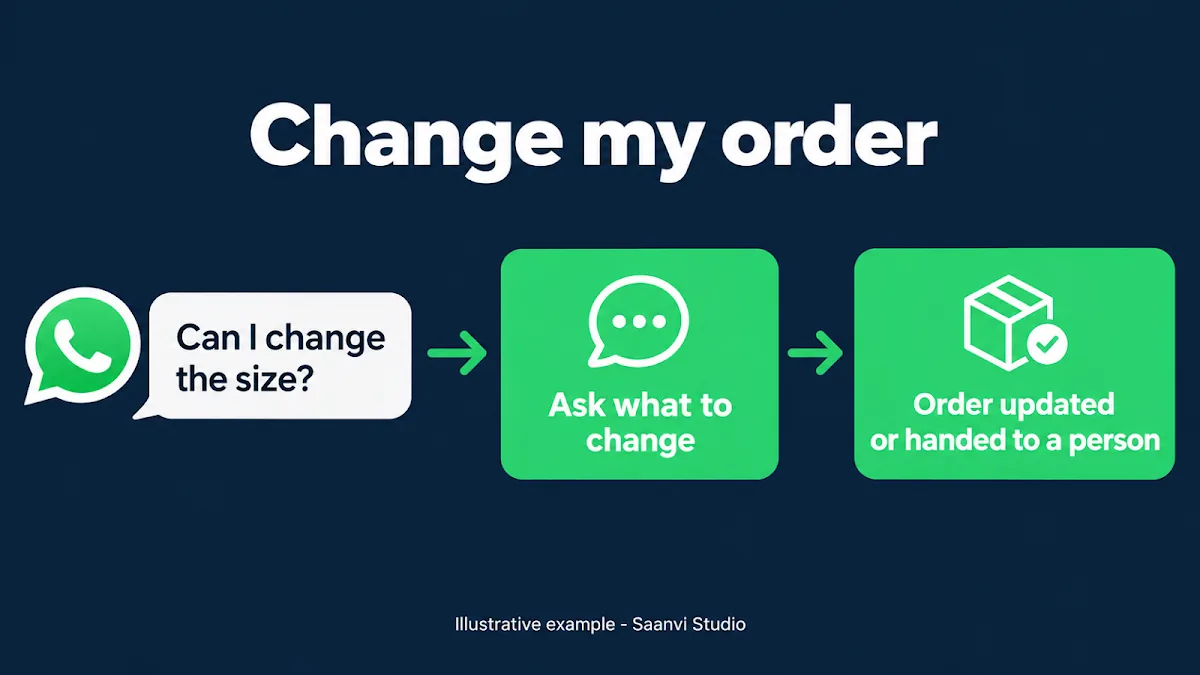
A COD confirmation goes out and the reply is not “yes” or “cancel”. It is “can I change the size?” or “change my order”. Many stores treat that as a problem: the order sits in limbo, someone has to message back, and if nobody does, the customer may refuse the parcel later. But a change request is a customer who still wants the order.
A change request is a buying signal
The customer who asks to change something has not walked away. They have told the store exactly what is stopping a yes. The risk is in what happens next: a slow reply, a vague one, or a change that is agreed in chat but never reaches the order. The note on one-tap COD confirmations and the piece on tap versus typed replies both make the same point: give the common answers a button, and keep a clear route for the rest.
What a good reply does
Suppose Saanvi Studio’s illustrative customer Priya taps “Change order” on order #1042. A fitting reply, if she opted in, could be: “Sure, what would you like to change?” That one question does the work. It does not promise the change is possible, because stock, size availability and dispatch status decide that.
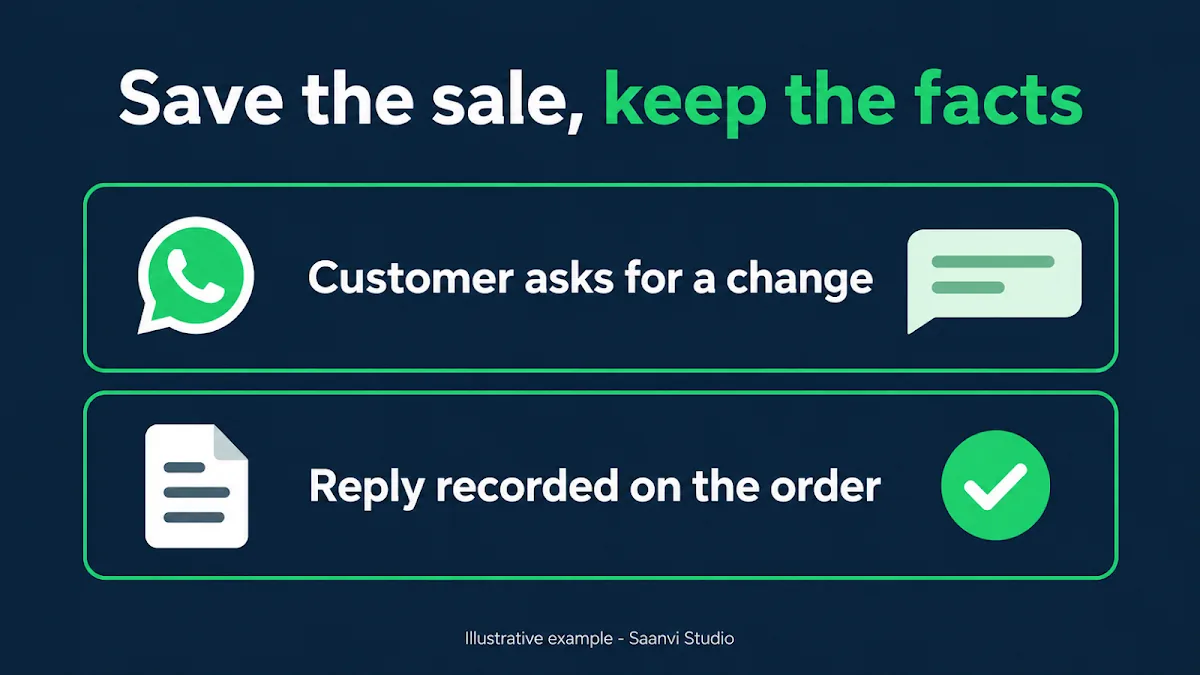
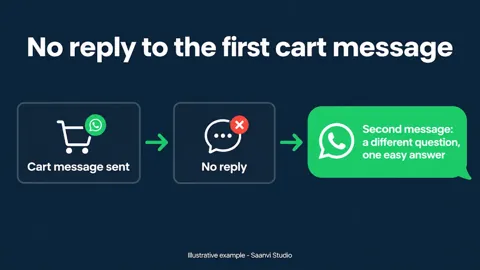
Never agree to something the store cannot do. If the size is out of stock or the parcel is already packed, the honest answer is a short explanation and an alternative, not silence. And whatever is agreed must be written against the order, so the person packing it sees the same thing as the person who chatted. The earlier note on unanswered confirmations covers what to do when the customer goes quiet instead.
What Hextor builds behind the button
Hextor Labs builds COD confirmation flows on WhatsApp for Shopify stores. Every COD order gets a confirmation before a label is printed; the customer confirms, cancels, or takes a prepaid option the store sets, and the order is tagged and routed on the answer. Replies that need a person go to one, and the flow runs in the store’s own accounts.
To see how your store could handle change requests without losing the order, tap the “Ask anything” WhatsApp button and describe what customers ask for most. You can also book the free 30-minute audit from the site.
Sources and scope: Hextor Labs’ COD confirmation flow overview and Meta’s WhatsApp opt-in guidance. Saanvi Studio, Priya and order #1042 are illustrative, not a client result or Hextor offer. Customer WhatsApp outreach requires appropriate opt-in.