A COD order is not confirmed until the customer says it is. Everything before that reply - the packed box, the printed label, the courier slot - is a bet. The confirmation message is the moment the bet gets called, and most stores lose it quietly: the message asks too much, says too little, or reads like a broadcast, so the customer never answers and the parcel ships on hope.
What a good confirmation message looks like
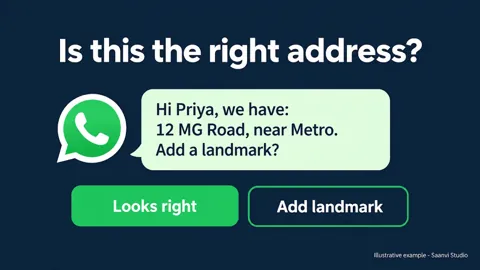
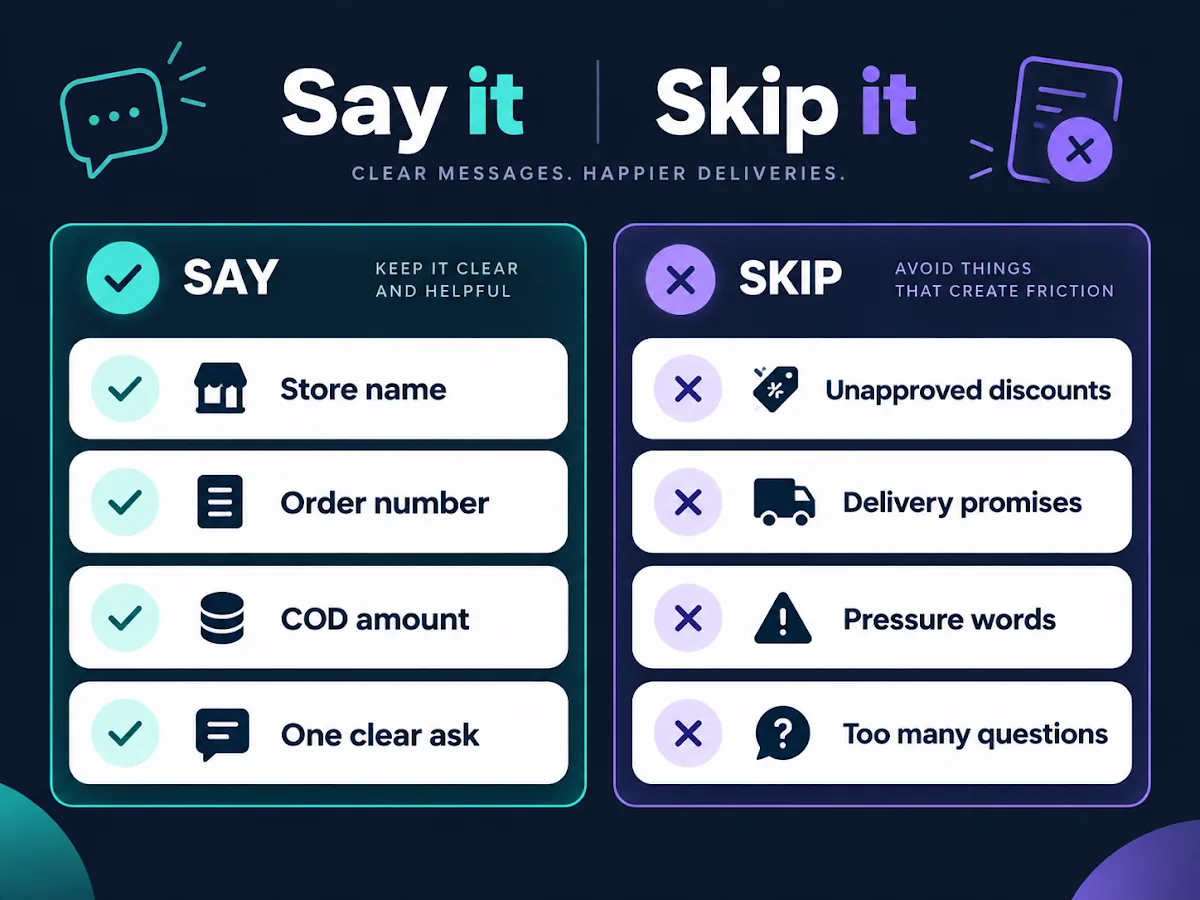
Four things, in this order: the store name, the order number, the COD amount, and one clear ask. The customer should not have to scroll their chat history to remember what they ordered or for how much.
Keep it short enough to read on a lock screen. If the message needs a second screen, it is asking to be ignored.
What the customer receives reads like this:
"Hi Priya, your Saanvi Studio order #1042 for ₹1,499 (cash on delivery) is packed and ready. Reply 1 to Confirm, 2 to Change or Cancel."
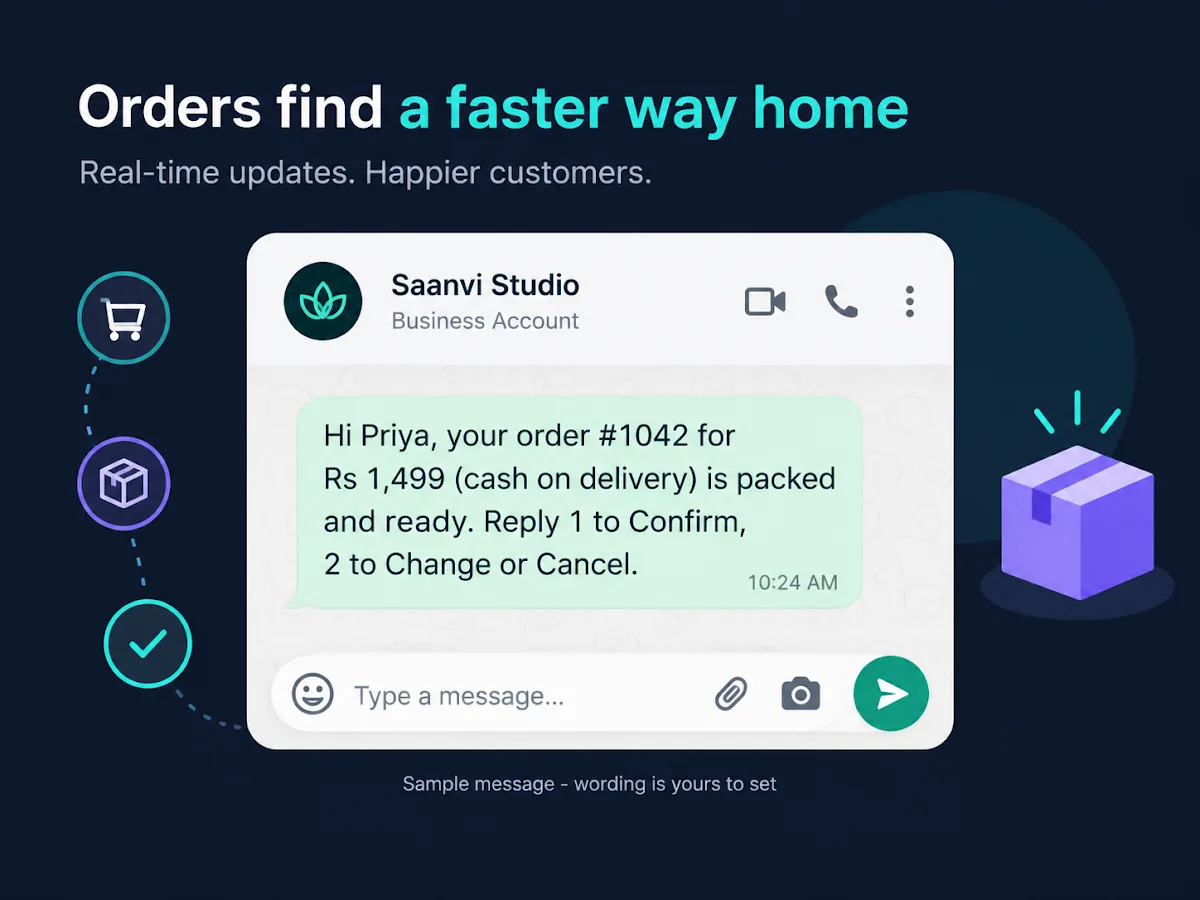
Numbered replies work because the customer answers without typing a sentence, and the order is routed on the answer without someone reading every chat.
The reply should move the order, not sit in a chat
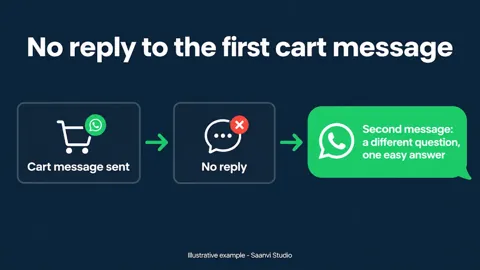
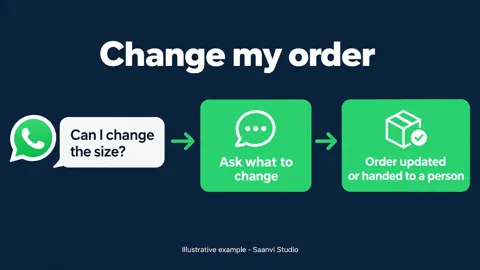
Plan for three outcomes: Confirm, Change or Cancel, and No reply - and let each one do something to the order. Confirm moves to dispatch. Change or Cancel pauses fulfillment and goes to a person. No reply holds the order instead of shipping it. We covered the full flow in The COD order isn't confirmed until the customer says so.
The part most stores miss is the third one. Shipping an unconfirmed order feels faster, and it is exactly how parcels come back. An order held for a day costs less than the same order making a round trip. A failed delivery then needs its own answer from the customer, which we broke down in A failed delivery needs a customer answer, not another attempt.
This is the flow Hextor builds on your store
Hextor sets up this confirmation flow on your own Shopify store and your own WhatsApp number, written in your voice. Every COD order gets a WhatsApp confirmation before a label is printed. The customer confirms, cancels, or takes a discount you set to switch to prepaid, and the order is tagged and routed on their answer. No reply after your set number of follow-ups holds the order rather than shipping it. The system runs in your accounts, on your keys - and it keeps running even if you stop working with Hextor.
Want this running on your store? Tap "Ask anything" and message us on WhatsApp. Show us your order volume and we will walk you through what the flow looks like on your orders.
A note on doing it by hand
Sending these messages manually works while volume is small. The moment you cannot tell at a glance which of today's orders are confirmed and which are held, the manual version is costing you parcels. That is the point where a workflow pays for itself.
Sources: Hextor Labs product pages (hextorlabs.com); Meta's guidance on getting WhatsApp opt-in (developers.facebook.com). Examples in this post are illustrative - the wording, timing, and discounts are yours to set.