A shopper adds a pre-order item to the cart and leaves. Your usual reminder says "your cart is waiting", but the real question in their head is different: when will it actually ship, and is it worth paying now for something that arrives later? A pre-order cart needs its own follow-up.
The wait is the reason, not the price
Shoppers pause on pre-orders mostly because of the wait. A reminder that ignores that misses the point. Say plainly when the item is expected to ship, using only dates the store has confirmed. The discount article explains why a coupon rarely answers the real question.
Be exact about what "pre-order" means here
Tell the customer when they are charged, when the item ships and what happens if the date moves. Do not promise a date the supplier has not confirmed. The promises article applies to carts too: only say what the store can stand behind.
Let a person handle the wait questions
Replies like "can you hold it until my trip?" or "will it arrive before Diwali?" need judgment and real information. Route them to a person or to an AI agent using live product data, with a person taking over when unsure. The reminder-limit article still applies if they decline.

Saanvi Studio: the date, upfront
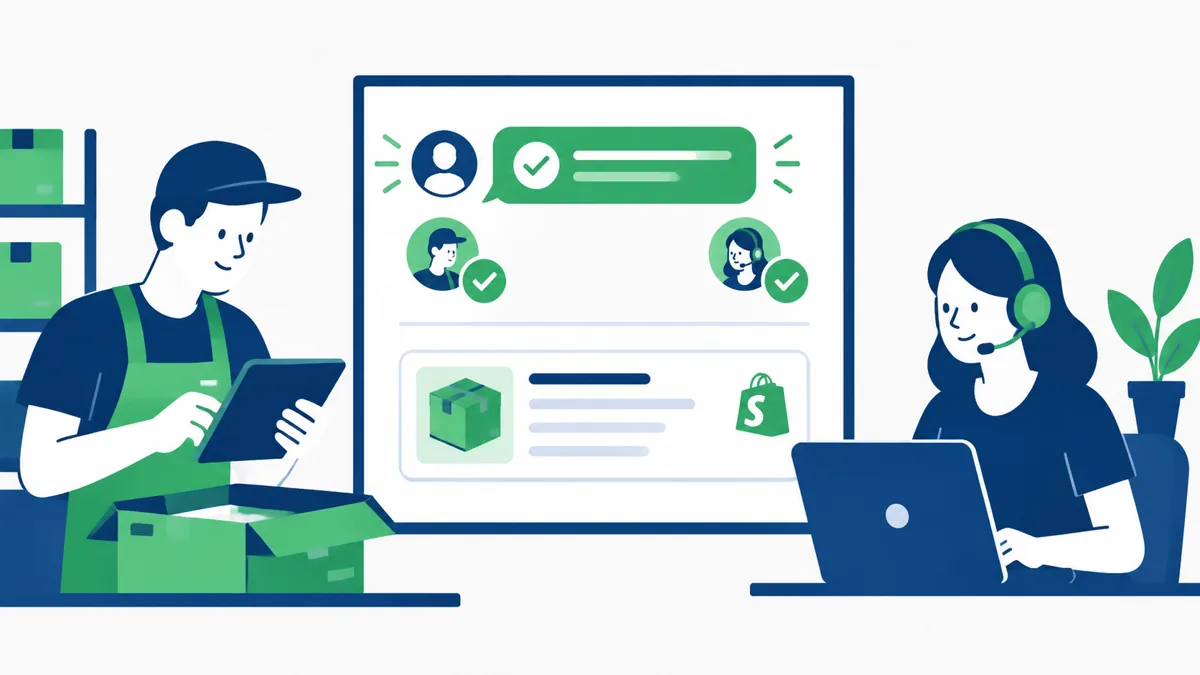
In this fictional example, Priya leaves a pre-order jacket in her cart at Saanvi Studio. The reminder says when the jacket is expected to ship and that her cart is saved. She asks whether it can arrive before a trip, and a team member answers honestly from the confirmed date. She decides to wait for it.
What Hextor builds around pre-orders
Hextor builds Shopify cart recovery flows that follow up after a store-chosen delay, in the store's voice, with the items still in the cart. Questions go to an AI agent using live product and order data, with a person taking over when it is unsure. During the audit, you can decide how pre-order carts are worded. We promise no recovery results.
Tap the "Ask anything" WhatsApp button and tell us where your team gets stuck. Start with a free 30-minute audit to discuss what the flow would need to handle in your Shopify store.
Sources and scope: Hextor Labs for the Shopify flow overview; Meta WhatsApp opt-in guidance for messaging permission. Obtain appropriate opt-in, set expectations and honor opt-outs. Saanvi Studio and Priya are fictional illustrations, not customers, testimonials or measured results. These are operational considerations, not guaranteed outcomes.