A shopper adds a product to the cart, opens another tab and leaves. Often she is comparing prices. The usual reaction is a discount code, which tells her the price was negotiable and teaches her to wait for the next one. A better first move is to find out what she is comparing.
A discount answers a question nobody asked
You do not know why the cart was left, so the message should ask rather than assume. The shopper may be checking price, delivery time or the return policy. A code only answers the first, and only if price was the issue. The post on the first abandoned-cart message covers what that message should say and what it should never say.
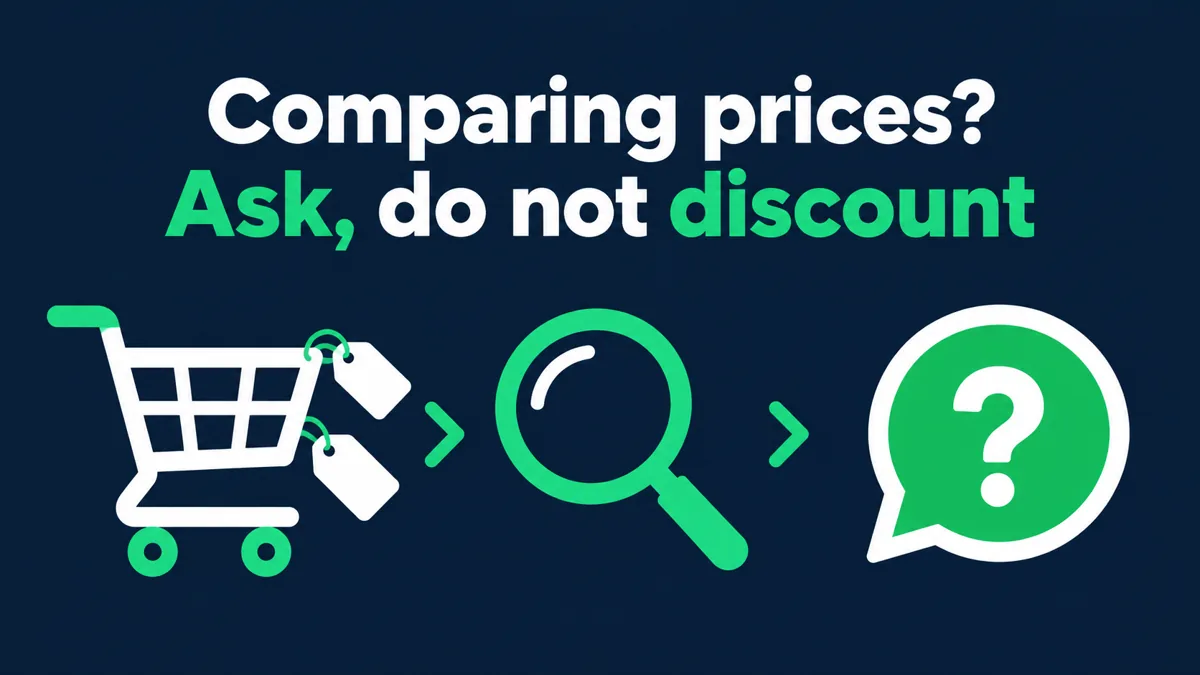
Ask one helpful question
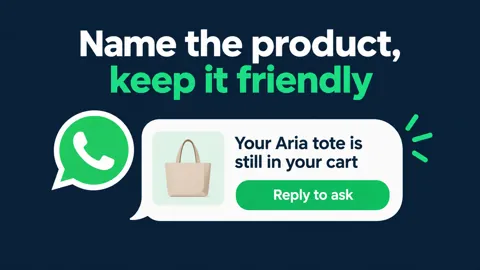
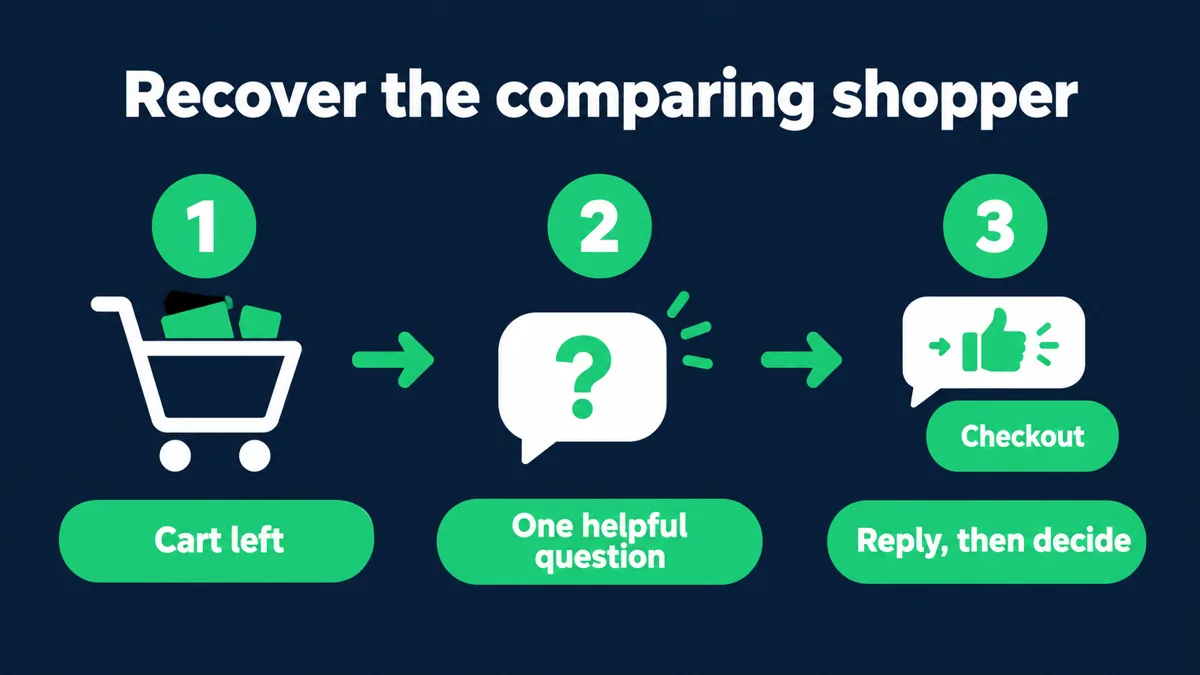
Suppose Saanvi Studio’s illustrative customer Kavya leaves a cart and is comparing prices. The message does not mention a discount. It names the product she left and asks one thing, such as whether she wants help choosing or has a question about delivery. She can answer in one line, and the answer tells the store what to do next. If she replies about price, a person can decide whether and how to respond.
Give the reply somewhere to go
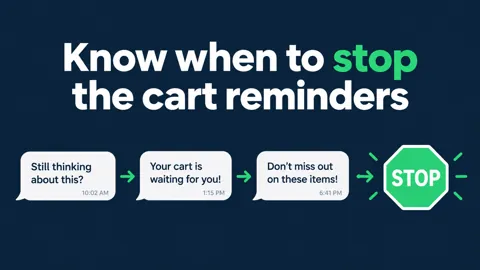
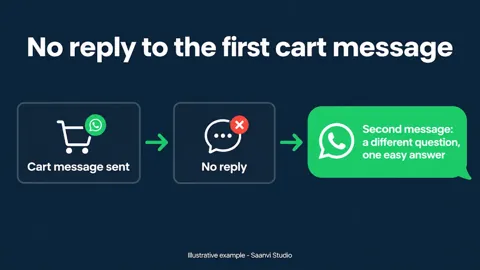
A question only helps if a reply is handled. Route answers about price, delivery or sizing to a person or a prepared response, and let the cart wait if she says she is still deciding. If the first message gets no reply, the post on the second cart message covers what to send, and the note on when reminders should stop covers when to leave her alone.
What Hextor builds behind the question
Hextor Labs builds abandoned-cart recovery flows on WhatsApp for Shopify stores. The flow sends a reminder naming what was left in the cart, asks the customer one useful question, and routes the reply: answered automatically where it can be, or passed to a person where it cannot. It runs in the store’s own accounts.
To see how this could fit your store, tap the “Ask anything” WhatsApp button and describe how your abandoned-cart messages work today. You can also book the free 30-minute audit.
Sources and scope: Hextor Labs flow overview and Meta’s WhatsApp opt-in guidance. Saanvi Studio, Kavya and the cart details are illustrative, not a client result or Hextor offer. Customer WhatsApp outreach requires appropriate opt-in.