A shopper leaves a cardigan and a matching scarf in the cart. The follow-up shows only the cardigan. That may be enough to help them remember. It may also suggest the scarf has disappeared or that the store has rebuilt their order. What a cart recovery message features should make the next step clearer, not change the customer's context.
One product can be a cue, not a replacement cart
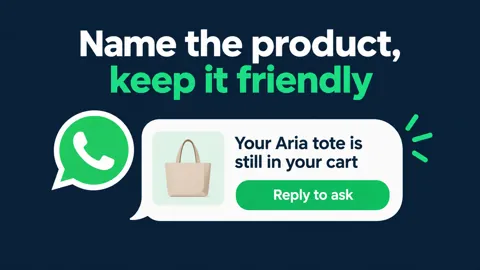
A recognisable item can keep the message short. But the wording should make clear that the link returns to the saved cart, rather than asking the customer to buy that one item again. Do not choose a featured product solely because it has the highest price or because the store wants to promote it.
The product-naming article considers how much detail feels useful. The purpose here is the same: help the customer recognise their own choice without making the message feel like surveillance.
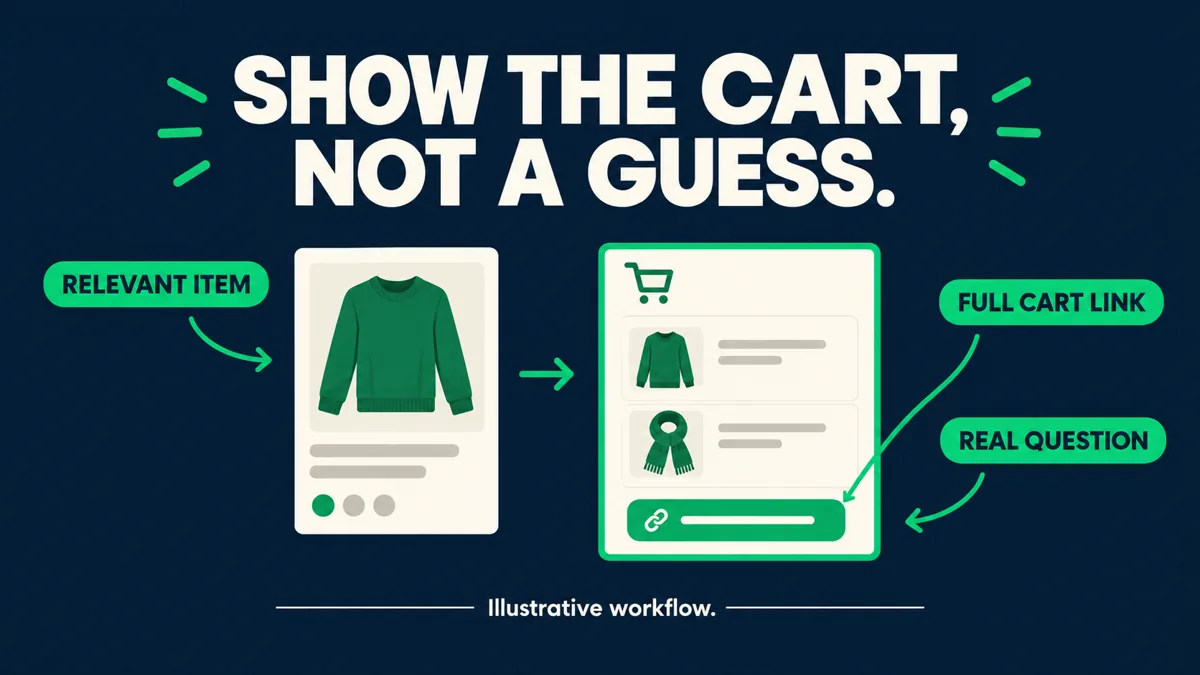
Show the whole cart when the items belong together
A set, a multi-item gift or a cart with several distinct choices may lose meaning if the reminder shows just one product. A short summary can acknowledge the whole selection without turning the conversation into a long catalogue. The return link should lead to the relevant cart, not a collection page that makes the buyer start again.
If stock, price or eligibility has changed, the message should not repeat stale details as a promise. Where the store cannot reliably recover the original selection, a person should help instead of sending a confident but misleading checkout link.
The customer's question matters more than the picture
Sometimes the abandoned cart is not a memory problem. The customer is unsure about sizing, shipping or how the items work together. A larger product image does not answer that question. The size-question article describes one example of a conversation that needs an answer rather than a louder reminder.
A recovery message should leave space to ask for help. If a reply reveals uncertainty, keep the selection attached to that conversation so the customer does not have to describe the cart again. The first cart-message article covers the tone of that invitation.
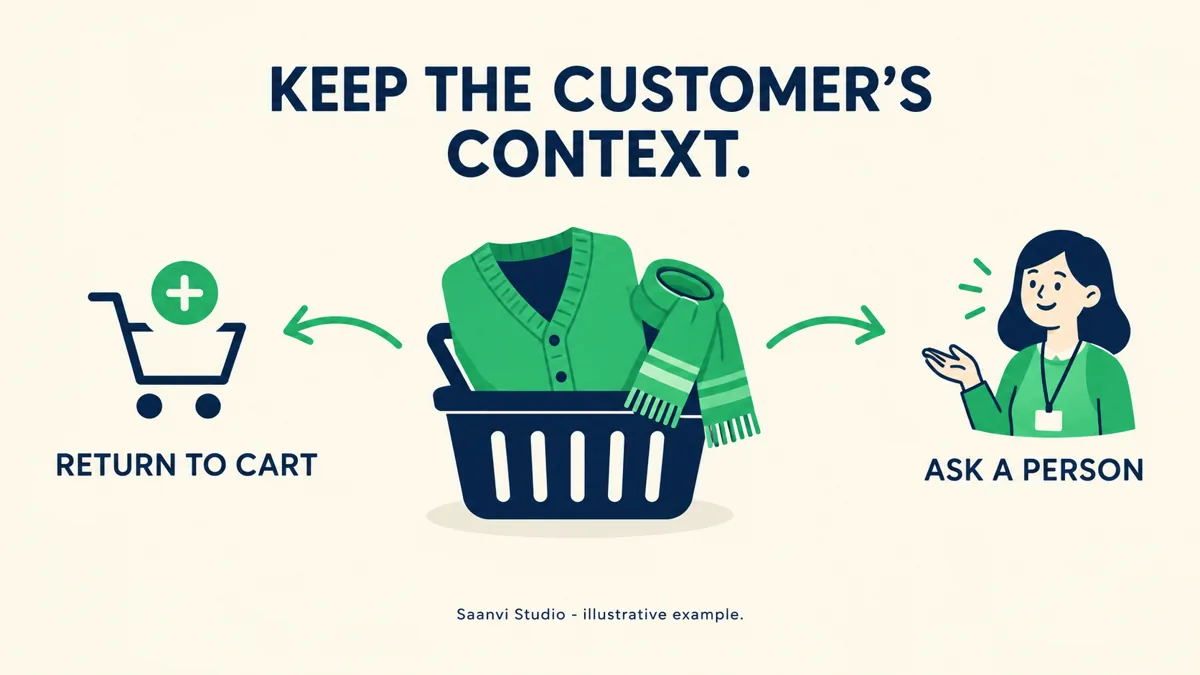
Saanvi Studio: keep the pair visible
In this fictional example, Priya leaves a cardigan and scarf in Saanvi Studio's cart. The reminder mentions the pair, provides a return-to-cart link and asks whether she needs help choosing. Priya replies that she is unsure whether the scarf matches. That reply goes to someone who can answer against the real product information, rather than triggering another generic reminder.
For a different cart containing one item, a single product cue may be enough. The useful difference is what preserves the customer's decision, not which layout looks busiest.
What Hextor builds around cart context
Hextor builds Shopify cart recovery flows that follow up after a store-chosen delay, in the store's voice, with the items still in the cart. Questions go to an AI agent using live product and order data, with a person taking over when it is unsure. During the audit, the store can discuss how cart summaries, links and changed availability should be handled in its own flow.
Tap the "Ask anything" WhatsApp button and tell us where your team gets stuck. Start with a free 30-minute audit to discuss what the flow would need to handle in your Shopify store.
Sources and scope: Hextor Labs for the Shopify flow overview; Meta WhatsApp opt-in guidance for messaging permission. Obtain appropriate opt-in, set expectations and honor opt-outs. Saanvi Studio and Priya are fictional illustrations, not customers, testimonials or measured results. These are operational considerations, not guaranteed outcomes.