A COD confirmation is judged before it is opened. The customer sees the sender name and the first line on the lock screen, and that preview decides whether the message gets a tap or gets swiped away. Most stores spend that first line on a greeting, and the confirmation dies unread.
What the lock screen has to carry
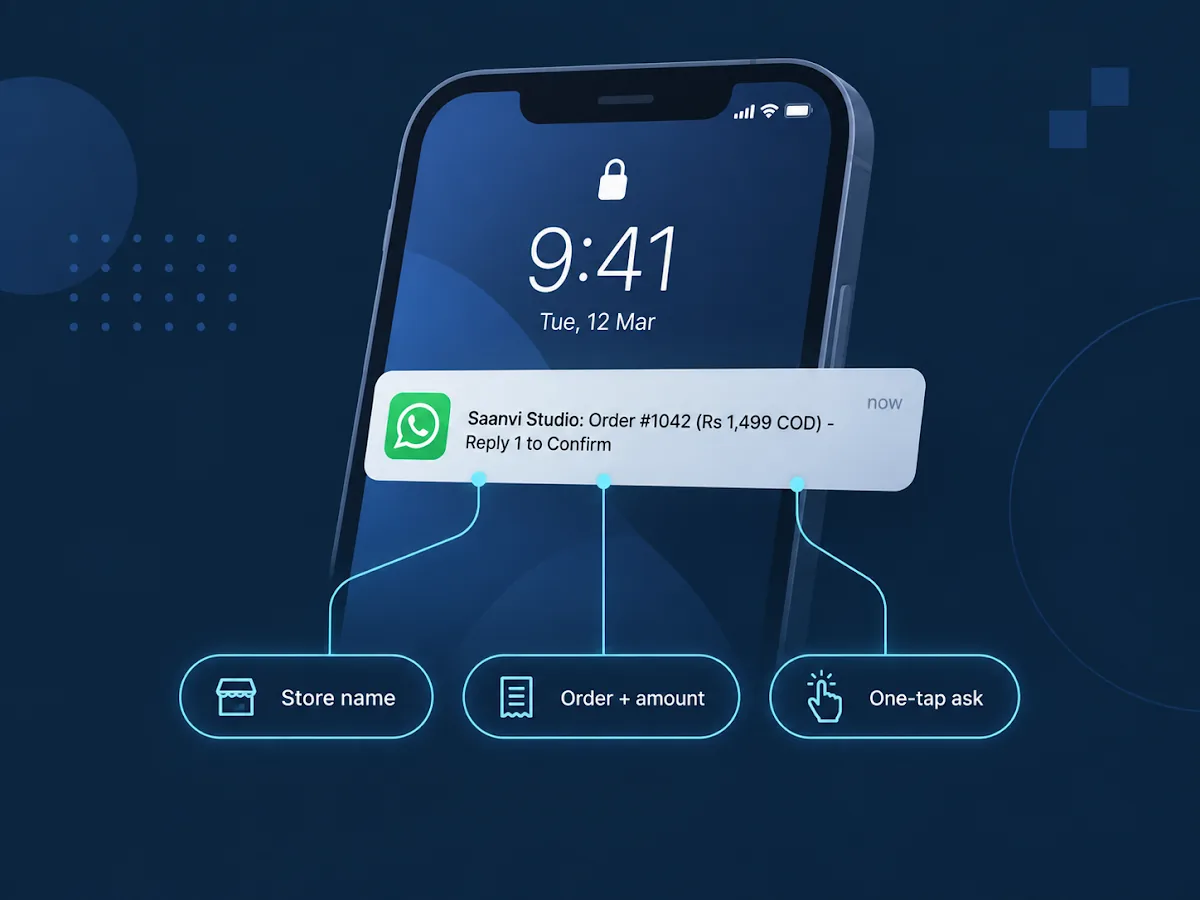
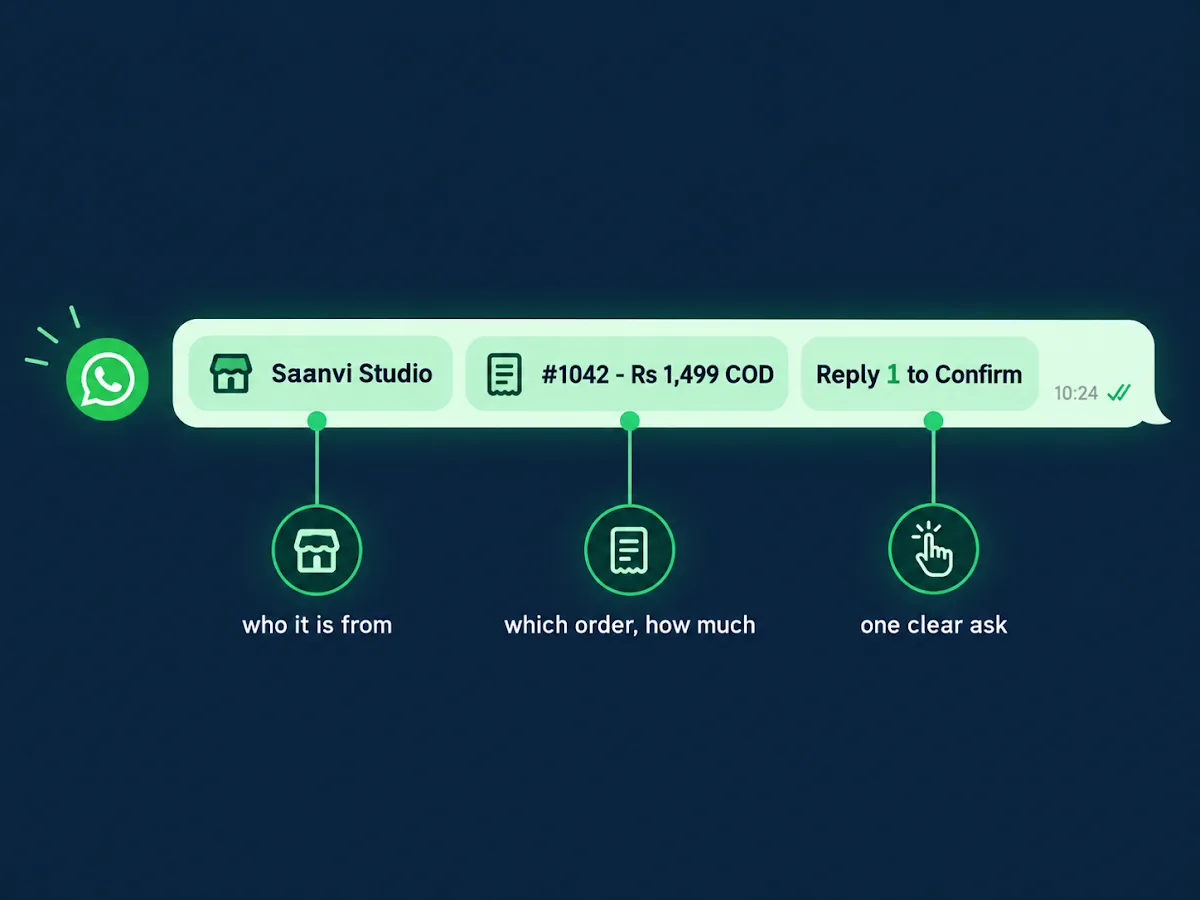
Three things belong in the first line, in this order: the store name, the order with its COD amount, and the ask. The store name first, because nobody replies to a number they cannot place. Then the order number and the amount, so the customer does not have to open the chat to remember what they bought or what they owe. Then one clear ask they can answer with a single digit.
Done well, the preview itself reads like this:
"Saanvi Studio: Order #1042 (₹1,499, cash on delivery) - Reply 1 to Confirm, 2 to Change or Cancel."
The common version reads like this instead:
"Dear customer, thank you for shopping with us! We are pleased to inform you that your recent order has been..."
By the time that message says anything, the preview is gone. The customer cannot tell which store this is, which order it means, or what they are supposed to do, so the parcel ships on hope and the refusal happens at the door.
The first line is built from the order, not from a template
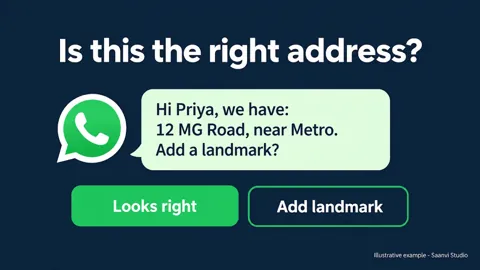
The store name is fixed; everything else in that line changes with every order. The number, the amount, the item - all of it has to come from the order itself, at send time. A static template with blanks that someone fills by hand works until two orders go out in the same hour, and then the wrong amount reaches the wrong customer and the whole confirmation loses credibility.
This is the confirmation flow Hextor builds
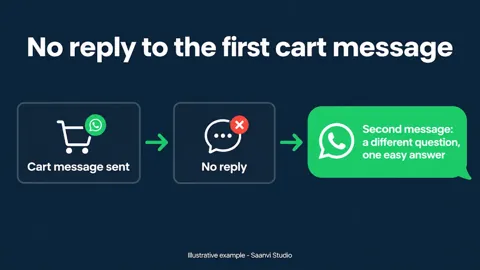
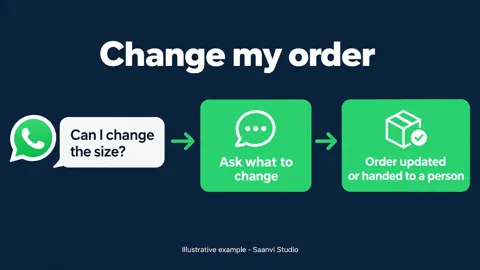
Hextor's COD confirmation flow composes the message from the Shopify order itself and sends it from your own WhatsApp number, in your voice. The customer confirms, cancels, or takes a prepaid discount you set, and the order is tagged and routed on their answer; no reply after your set number of follow-ups holds the order rather than shipping it. It runs in your accounts, on your keys, and keeps running even if you stop working with us. The full message anatomy is covered in the confirmation message customers answer in one tap, and what each reply does to the order in the COD order isn't confirmed until the customer says so.
Want this running on your store? Tap the "Ask anything" button on this page and tell us your order volume - we will tell you what the flow would look like for you.
Sources and scope: flow behavior as documented on hextorlabs.com. WhatsApp requires customer opt-in before a business messages them - see Meta's opt-in documentation. The Saanvi Studio examples are illustrations, not client claims.