A shopper places a COD order and then hears nothing. An hour later, or a day later, a confirmation message arrives asking them to confirm something they have half forgotten. The timing of that first message decides a lot about whether it gets answered, and most stores never decide it on purpose.
Why the timing matters
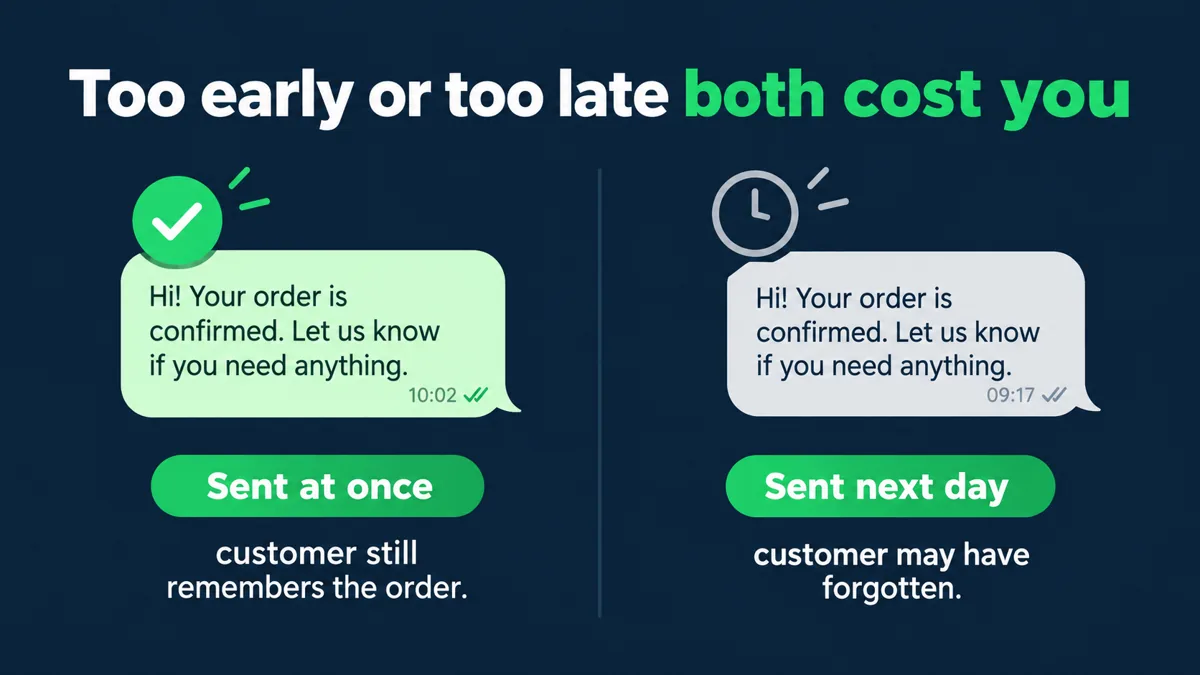
The confirmation works best while the customer still remembers placing the order. Right after checkout, the product, the address and the amount are fresh. Hours later, the message can read like it is from a stranger. A late confirmation also delays packing, so the whole order slows down.
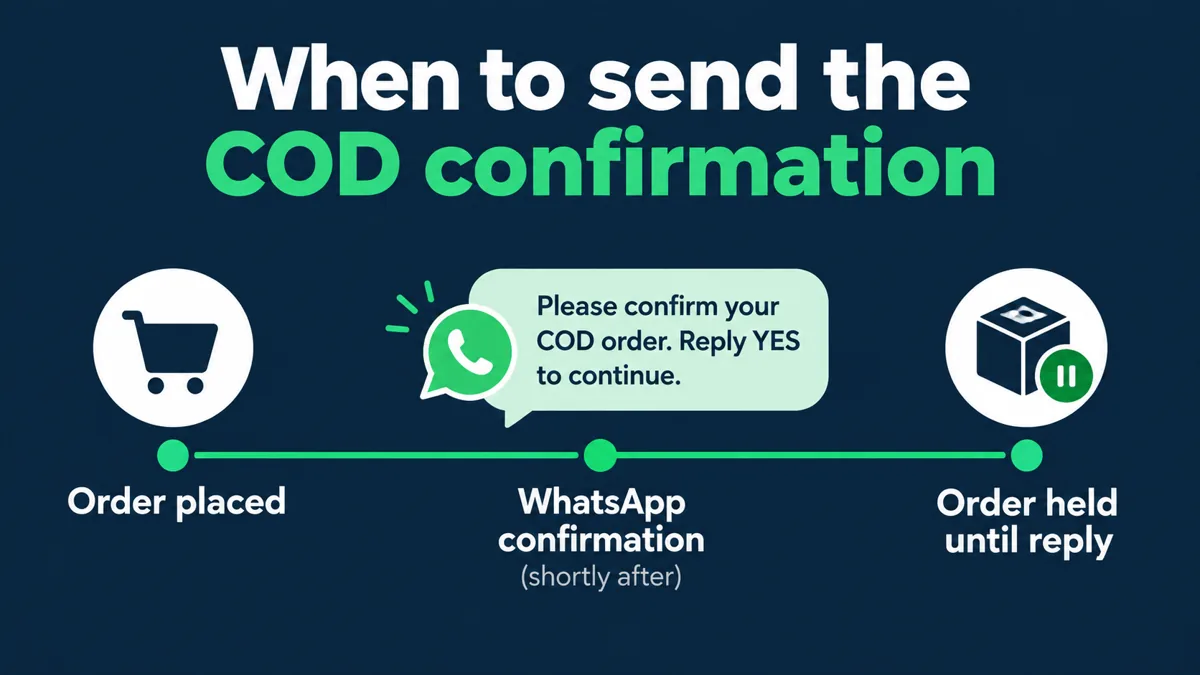
That is why the one-tap confirmation message and its first line are only half the job. They need to arrive at a moment when the customer is still paying attention.
Early is not the same as instant
Suppose Saanvi Studio’s illustrative customer Priya orders a kurta at night. A confirmation sent at once, if she opted in, will likely be seen the same evening. One scheduled for the next morning may land while she is at work. Pick a rule that fits your customers: confirm straight away, but treat a reply window as a separate decision. How long to hold the order after sending is a different question, and the note on unanswered confirmations covers it.
What to avoid
Do not batch confirmations into one daily send just because it is easier for the team. A batch means some customers wait many hours while an order sits idle. And do not send the confirmation before the order is complete in your system, or the customer may see an amount or address that is still changing.
What Hextor builds behind the timing
Hextor Labs builds COD confirmation flows on WhatsApp for Shopify stores. Every COD order gets a confirmation before a label is printed. The customer confirms, cancels, or takes a prepaid option the store sets, and the order is tagged and routed on the answer. The flow runs in the store’s own accounts, with a handoff to a person.
To see how this could fit your order flow, tap the “Ask anything” WhatsApp button and describe when your COD orders come in. You can also book the free 30-minute audit.
Sources and scope: Hextor Labs flow overview and Meta’s WhatsApp opt-in guidance. Saanvi Studio, Priya and the order details are illustrative, not a client result or Hextor offer. Customer WhatsApp outreach requires appropriate opt-in.